Multi-monitor detection
Identifies connected displays with mixed-DPI-aware physical bounds so wallpapers are placed and sized accurately.
sheet 02 / ultrawall — wallpaper manager for windows 10 · 11
Your wallpapers. Your PC. Nobody else's business.
UltraWall is a Windows desktop utility that manages your wallpapers the way a desktop tool should: quietly, reliably, and without any network activity. Import your images, assign different wallpapers to each monitor, choose your scaling mode, and you're done. UltraWall runs without an account, without connecting to the internet, and without collecting any data about you or your system. One purchase. Yours to keep. No subscription. Ever.
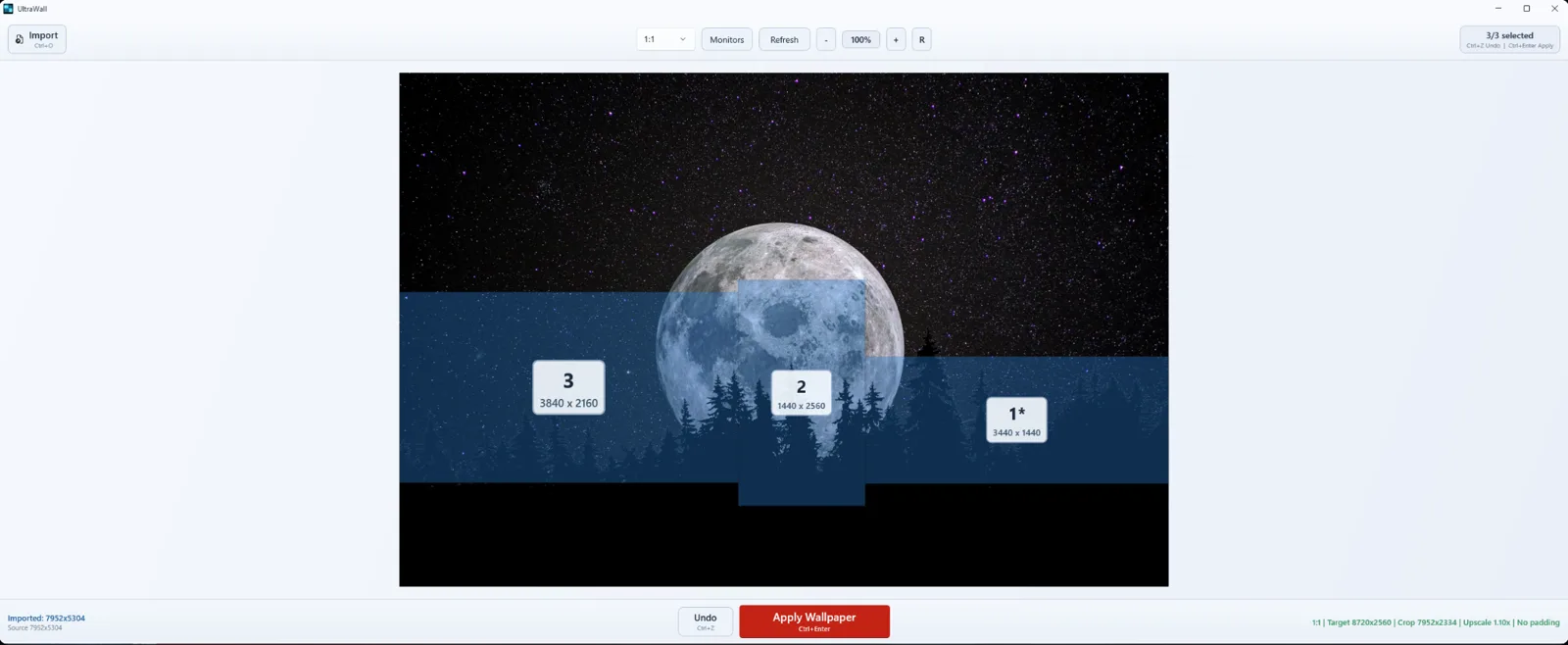
mode: span · one image · combined surface
Identifies connected displays with mixed-DPI-aware physical bounds so wallpapers are placed and sized accurately.
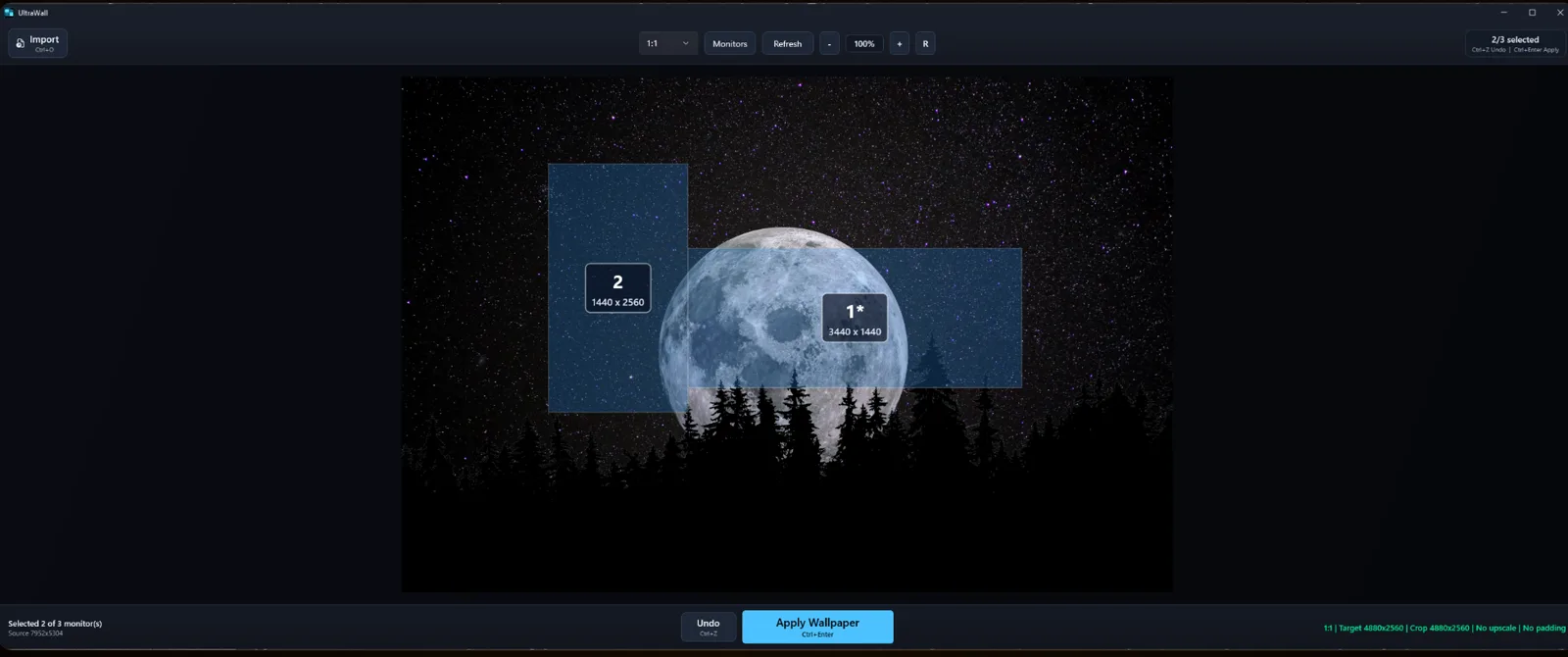
Assign a different wallpaper to each monitor. UltraWall composes and applies wallpapers per display.
When all monitors are selected, UltraWall can span one image across the full combined desktop surface.
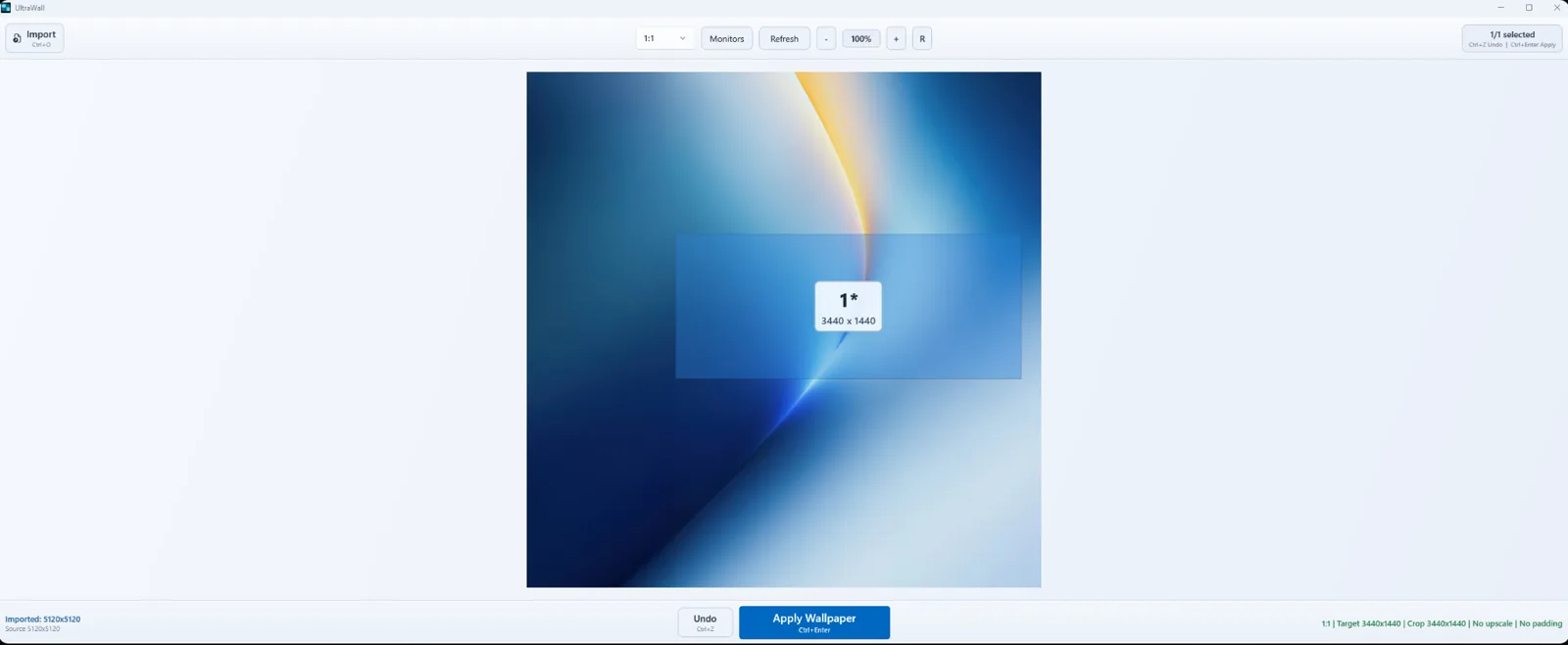
The canvas shows your monitor layout with draggable overlays for a direct, hands-on workflow.
Choose crop-to-cover, contain with padding, or pixel-for-pixel application with no scaling.
See mode, target resolution, crop dimensions, upscale factor, and padding before applying.
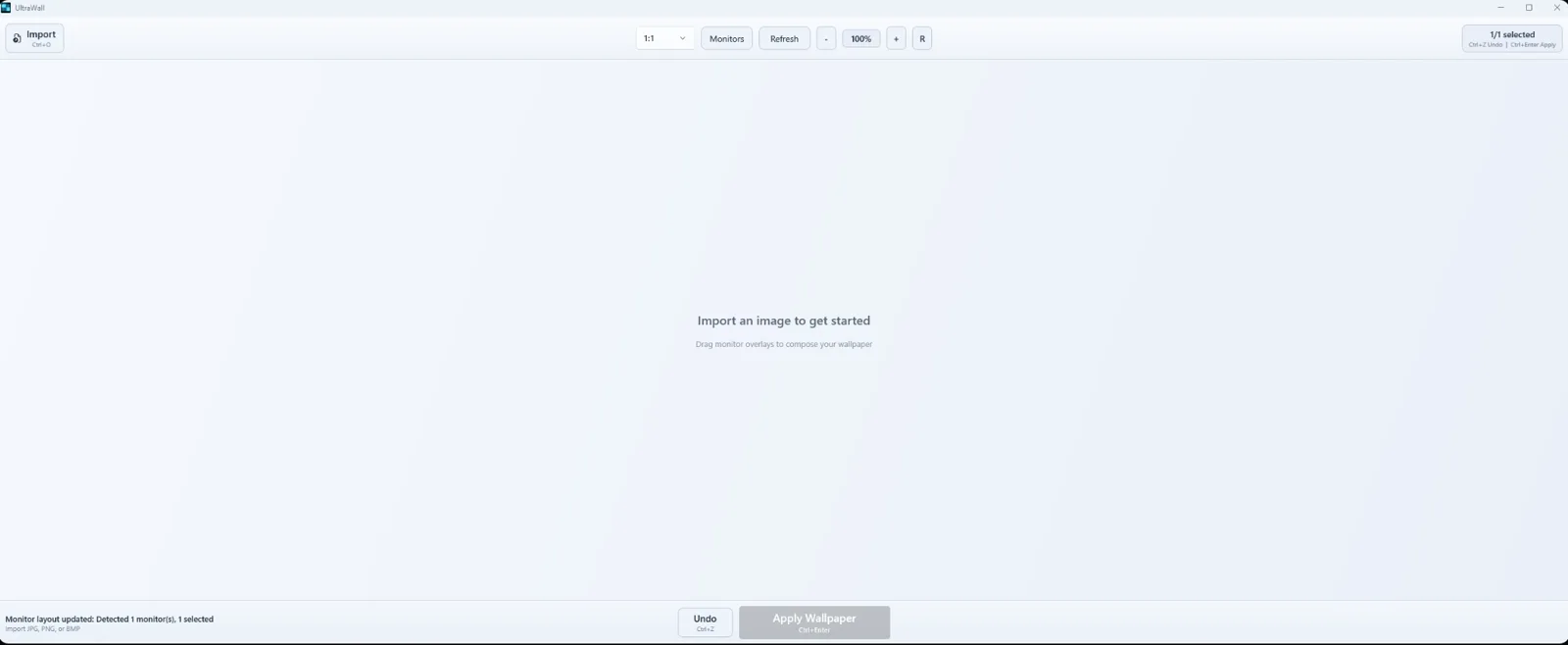
Import images with the Windows file picker, Ctrl+O, or single-file drag and drop.
No usage data, diagnostics, analytics, browser access, cloud sync, or outbound connections.
Settings, monitor layout configuration, and the capped processed-image cache stay in AppData.
One-time purchase. $7.99 USD for the first 30 days on Microsoft Store and Steam.
Future updates are included for as long as the software is actively maintained. Refund eligibility and processing are handled by the purchase platform.
| Windows | Windows 10 version 1809 build 17763 or later. Windows 10 22H2 or Windows 11 recommended. |
|---|---|
| Hardware | 64-bit x64 system, 4 GB RAM minimum, 8 GB or more recommended for large images and multi-monitor workflows. |
| Storage & formats | About 45 MB download, about 165 MB installed, 250 MB free minimum. Supports JPG, JPEG, PNG, and BMP. |
These are not part of the current release. Any future additions must keep UltraWall fully offline with zero telemetry.
No. UltraWall runs fully offline and makes no outbound network connections. Internet access is only needed for purchase through Microsoft Store or Steam.
No. UltraWall does not collect analytics, diagnostics, usage statistics, personal information, browser data, cookies, history, or extensions.
$9.99 USD as a one-time purchase. The launch price is $7.99 USD for the first 30 days on Microsoft Store and Steam.
Refund eligibility and processing are handled directly by Microsoft Store or Steam under their respective platform policies.
Windows 10 version 1809 build 17763 or later is required. Windows 10 22H2 or Windows 11 is recommended.
UltraWall supports JPG, JPEG, PNG, and BMP image files.
Settings, monitor layout configuration, and the processed-image cache are stored locally in the Windows AppData folder. The cache is capped at 1 GB.